Burk Autopilot, DOS version

We have been doing work at a particular radio station for a few years now. Every time I go there, I look at this… thing:

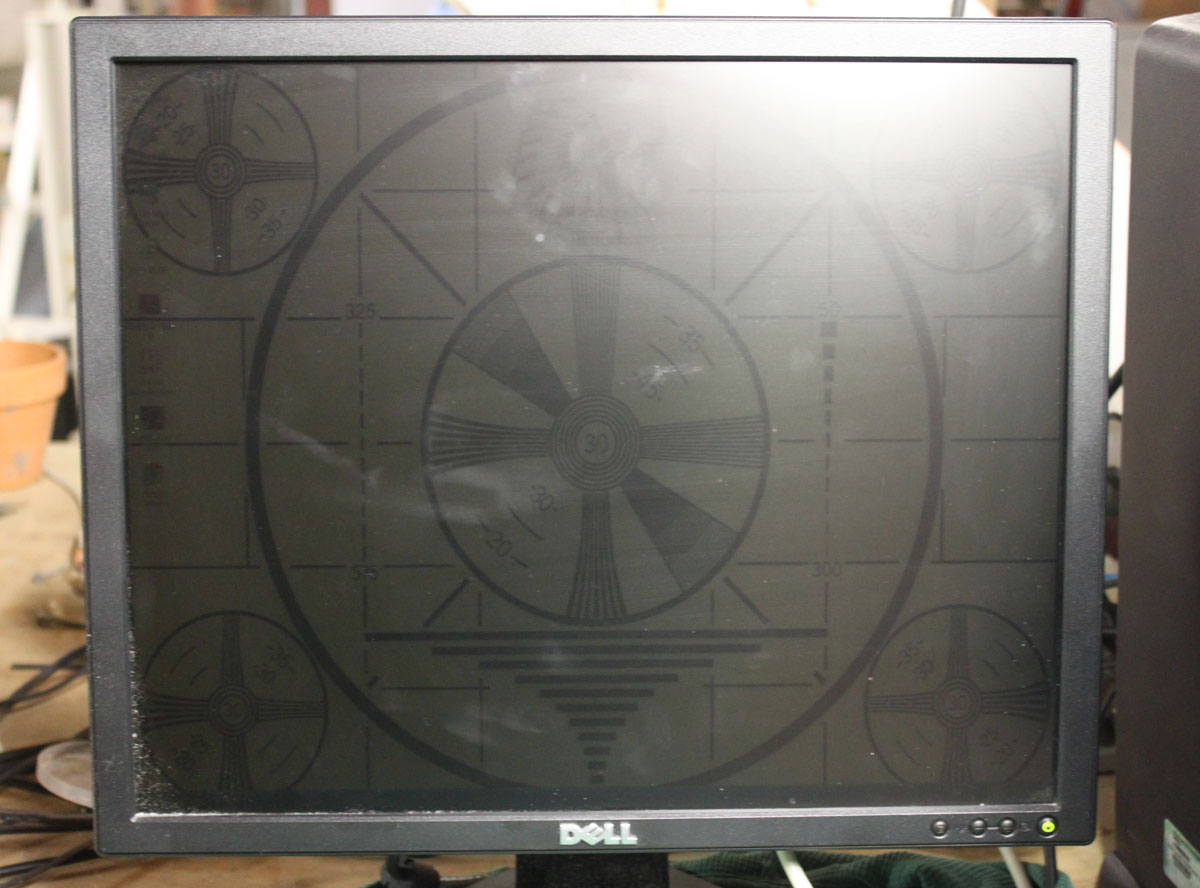
Burk DOS Autopilot/CDL running on Windows 98

It is a very old PC running Windows 98 and Burk Autopilot/CDL 4.6 for DOS.  The autopilot program is running from a windows DOS prompt and seems to be working okay; my concern is about the age of the hardware and the potential for failure.  The Autopilot is what controls the AM station’s power levels, which vary from 1,000 watts daytime to 4 watts nighttime.  We have all read about AM stations fined by the FCC for running daytime power levels at night.  Failure of the ancient autopilot computer could lead to exactly this scenario.

I attempted to purchase the newer, Windows XP version of Autopilot, only to be told “that item is not in this year’s budget.”  Apparently, it was not in the budget for the following year or the one after that.  Thus, when the hard drive on the old Windoze 98 machine began making a terrible grinding noise, I knew the end was near.  I made an attempt to run the Autopilot from a Windows XP DOS prompt, at which time I was informed: “The program cannot start or run due to incompatibility with 64-bit versions of windows…” GAK!  I kind of knew this already.

I began daydreaming about running a DOS virtual machine inside of a Ubuntu or Lubuntu operating system.  Then I found a DOS emulator program for Linux called “DOSemu” which looked like exactly what the doctor ordered.  Using the carcasses of several old HP desktop computers, I came up with one working PC that had two organic serial ports.  This is actually not a bad unit, as it has a 1.6 GHz dual-core processor and 2 GB RAM.  On this machine, I loaded the 32-bit version of Ubuntu 12.04 desktop.  Naturally, the original Autopilot/CDL 4.6 disks were nowhere to be found so I had to copy the directory off of the old computer.  It was also understood that this project was simply going to suck.  Therefore, the superannuated Windoze 98 machine had no network interface or any USB ports.  My only option was to copy the files onto a 3 1/2-inch floppy disk.  Fortunately, I have a USB 3 1/2 floppy drive, which I was able to use to copy the files onto the new computer into the /home/ARC16 directory.

Downloading and setting up Dosemu was fairly straightforward.  There were a few configuration steps that needed to be completed before the Autopilot software would work and communicate with the ARC-16 remote control:

  • In the DOSemu configuration file, the hardware serial port needs to be configured to work with the DOS emulator.  This is located at /etc/dosemu/doseum.conf.  The default conf file has all of the serial ports commented out.  Remove the comment and change the serial port source:  $_com1 = “/dev/ttyS0” or $_com2 = “/dev/ttyS1”  The serial ports available can be determined by the following terminal command: dmesg | grep tty  The output should look something like this:

    paul@engineeringIII:~$ dmesg | grep tty
    [ 0.000000] console [tty0] enabled
    [ 37.531286] serial8250: ttyS0 at I/O 0x3f8 (irq = 4) is a 16550A
    [ 37.532138] 0000:04:00.3: ttyS1 at I/O 0x1020 (irq = 3) is a 16550A
    [16206.667112] usb 2-1.3: pl2303 converter now attached to ttyUSB0
    paul@engineeringIII:~$

    For USB to serial port converters, the serial port source may look something like this: $_com1 = “/dev/ttyUSB0”

  • The DOS emulator time can be synced to Linux time by: $_timemode = “linux” This is great because Linux can be synced to a NTP source, meaning Autopilot time will always be correct.
  • The logged-on user that will be running the DOS emulator needs to be added to the “dialout” group.  This can be done by sudo adduser [user name] dialout.  This will allow Autopilot software access to the comm port.
  • The DOS autoexec.bat file should be edited so that Burk autopilot loads automatically when DOSemu is started.  DOSemu automatically assigns the D drive to the Linux home directory.  Thus, simply adding:

    D:
    CD ARC16
    ARC16

    to the end of the autoexec.bat file will start the ARC16 program automatically when the DOSemu program is started.

  • DOSemu can then be added to the Ubuntu desktop startup.

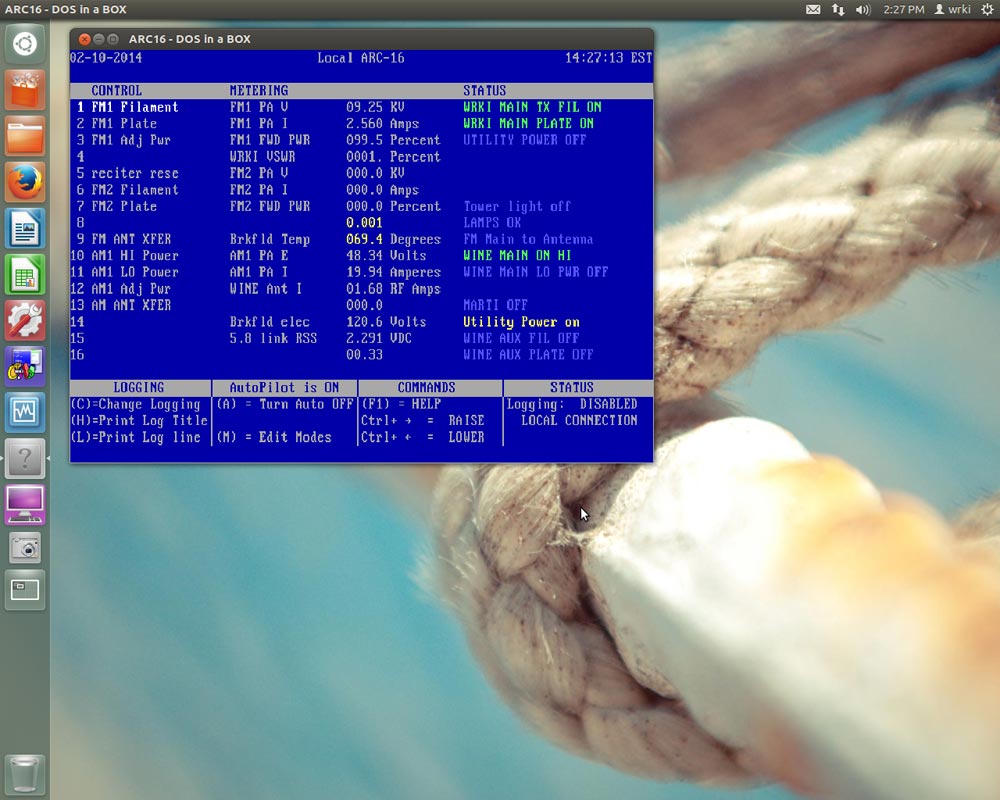
The results:

DOS autopilot running on Linux machine

Burk Autopilot/CDL (DOS version) running on a Linux (Ubuntu 12.04.4) machine.  The stupid thing will probably run forever now.

This computer is also used to program the satellite receivers, which are located at the transmitter site.  Thus, there are several manuals and program clocks stored in the documents folder.  I also installed the x11VNC server program, so that the computer desktop can be logged into remotely from the studio over the LAN link.

I noticed that the DOSemu program hits the processor fairly hard, with one core running about 45% most of the time.  That should be fine, as this machine is used very infrequently for other tasks.

CES 2014 and the Digital Radio question

I have been busy of late, however, still keeping abreast of the news of the day.  Along with that, CES 2014 wrapped up recently.  No huge developments, especially when it comes to Broadcasting.  However, there was one item of interest; the updated technical specifications of IEEE 802.11ac.

It is of interest here because of the implications of mobile/portable data developments and their impact on traditional AM and FM broadcasting. The new specification calls for 1.2 Gbp/s per device in the initial release, increasing that throughput to 6 Gbp/s in later releases.  These data rates are for overall transmission, including the WiFi overhead.  Actual usable application data (layers 5-7) would be about 20 to 30 percent less.  Even so, 900 Mbp/s is a phenomenal data rate.  Truly I say to you; this is the future of digital broadcasting.  HD Radio™; may well prove that the “HD” stood for “Huge Distraction.”

The new 802.11ac specification uses MU-MIMO, high-density modulation, larger channel bandwidths, and beamforming technology in the 5 GHz WiFi spectrum.  Of course, the question is, at what distances will this system work?  If it is like conventional WiFi, then 100-200 feet is about all that can be expected.  However, there are also many people interested in wireless broadband (WiMAX) service as an alternative to traditional wired ISPs. For that application, having many outdoor 802.11ac nodes connected by a backbone could potentially blanket a city or campus with free high-speed wireless data.

Example of cjdns network

Along the same lines, there are many people involved in creating mesh networks of various types; be they ad-hoc mobile networks, darknets, bitclouds, etc. Mesh networking is a very interesting topic, for me at least.  The network protocols are getting better and more secure.  WiFi hardware is becoming less expensive and more reliable.  As more and more people put effort into developing protocols like cjdns, local mesh networks will become widespread unless they are outlawed.  You know; because of teh terrorism!!1!!

As it stands today, I can drive for two hours in mostly rural upstate NY and CT streaming my favorite radio programs and have nearly seamless handoffs and very few dropouts.  This is on my three-year-old, beat-up 3G HTC android phone sitting in the passenger seat of my car.

Digital Radio is here, it is simply not the In Band On Channel system that legacy broadcasters have chosen.

Satellite Dish Maintenance

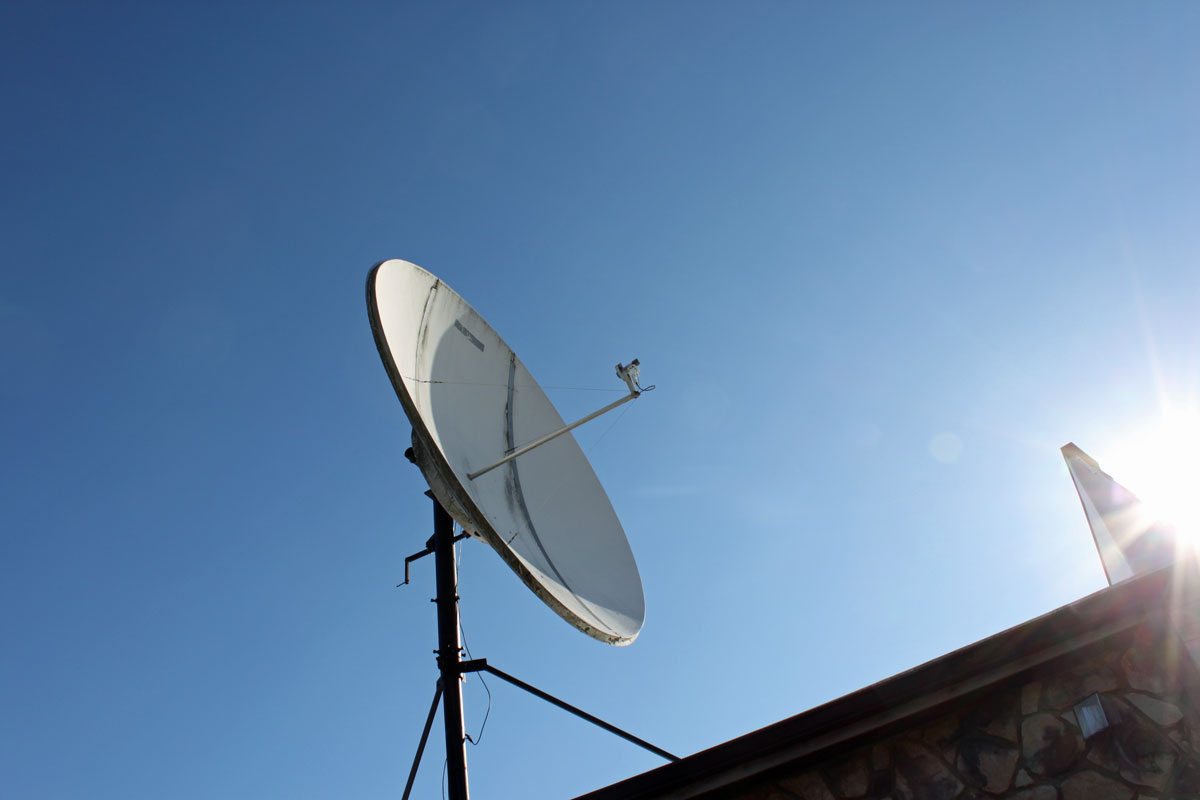
Periodic attention is required for most satellite receive-only earth stations. This particular dish sticks up above the roof line of a two-story building. It acts as a big sail and sometimes, after a particular wind event, it gets slightly off of its intended satellite, AMC-8.

Comtech 3.7 meter dish

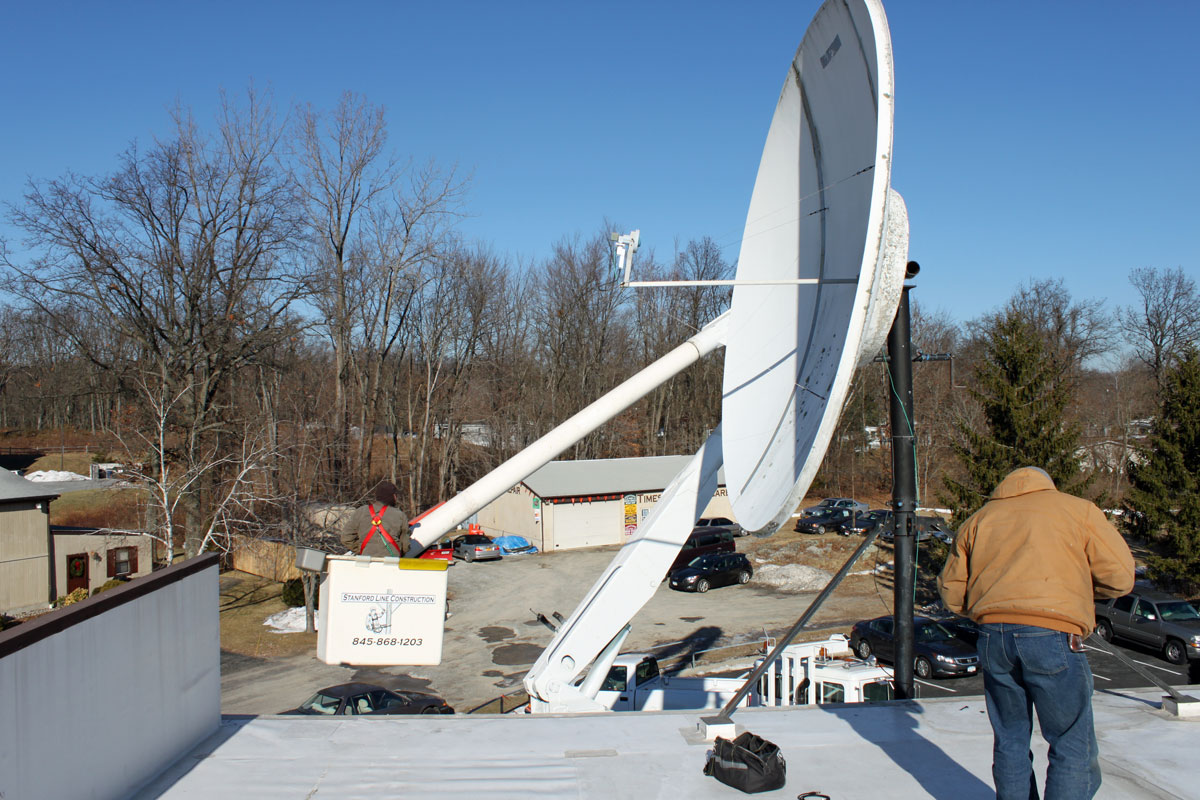
The real issue is doing nothing with the feed horn assembly, as it hangs way up in the air right over the edge of the roof. An extension ladder does not work, nor does a step ladder on the roof. Thus, we had to call a bucket truck to come and replace the LNB.  Naturally, this work is being done on one of the coldest days of the year (so far).  Temperatures at the start were 4° F or -15° C, which made the hydraulics in the bucket truck a bit reluctant to work.

When the dish was installed in 2000 or so, I swung it so the feed horn assembly was over the roof to work on it. This did not allow me to effectively check the feed horn polarization. With the bucket truck and a good satellite aiming device, I was able to find the correct polarization for the transponders in use by this station.

Bucket truck satellite dish maintenance

The old LNB was an original California Amplifiers PLL LNB from the mid 1990’s. The temperature was 35° K, which is kind of high these days. It was replaced by a Norsat C band PLL LNB with a 20° K temperature.

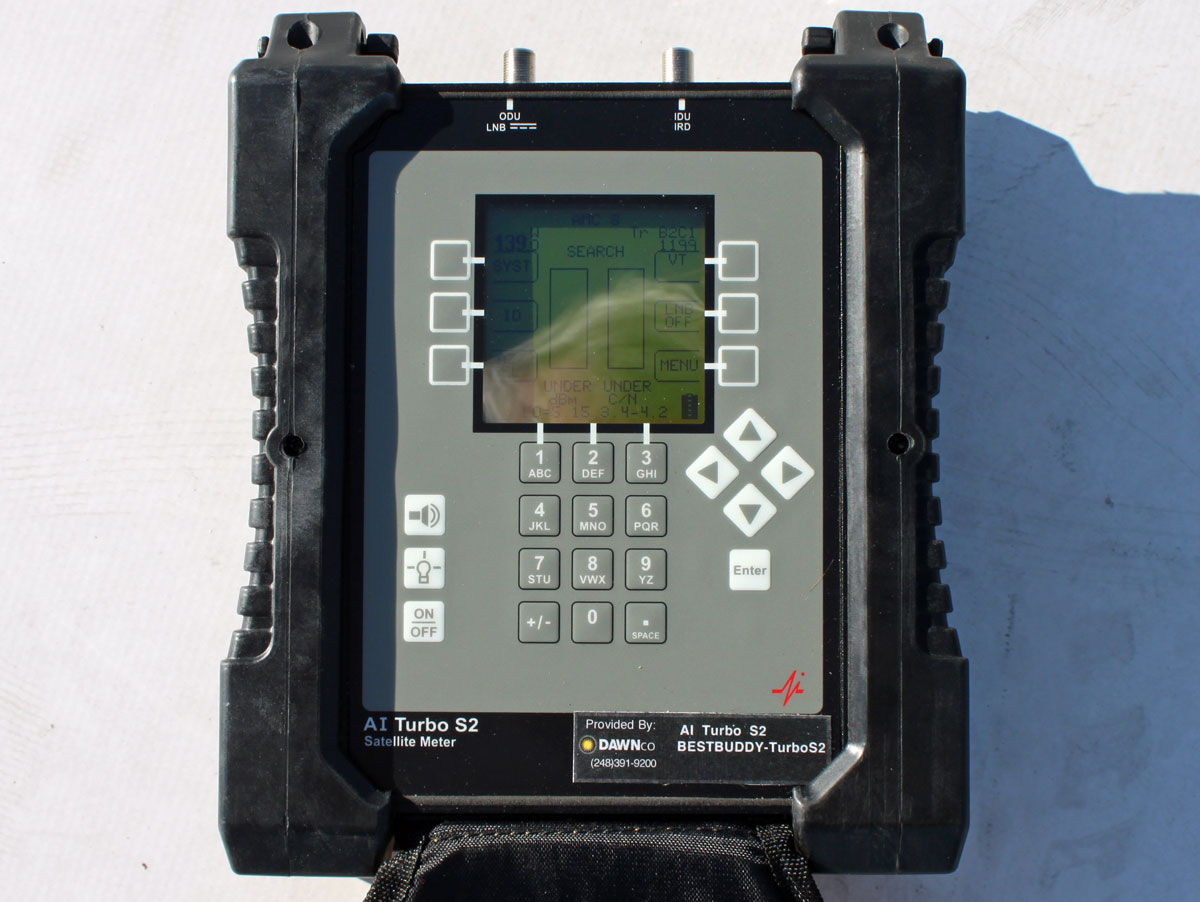
The satellite aiming tool used is an AI Turbo S2 by Dawn Satellite.  This unit has software profiles for each satellite which can be updated over the internet.  The 139° W satellite neighborhood is pretty crowded and it is easy to find yourself looking at the wrong bird.  Using the aiming tool prevents that from happening, as it tells the user exactly which satellite it is receiving.

Satellite aiming tool

If this is a new installation, using Satellite Finder makes the rough aiming much easier.

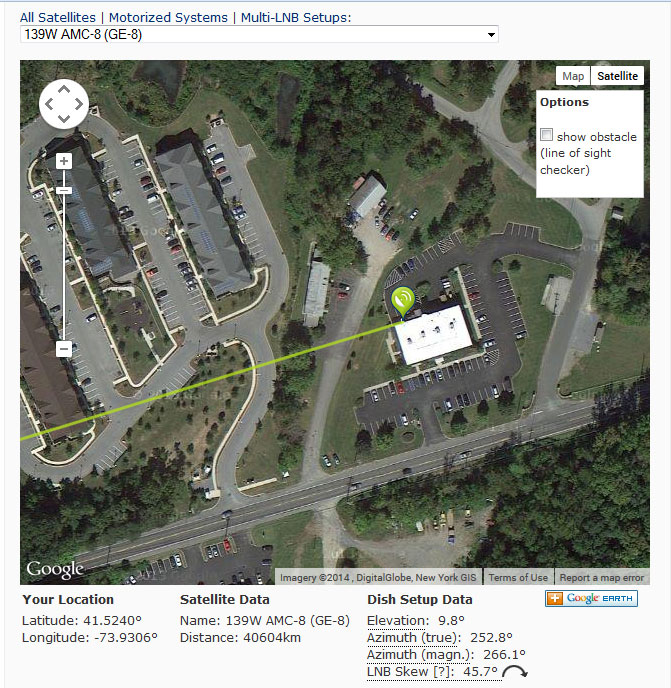
Dish pointer, AMC-8 aiming information

Also, it one were interested in being very thorough, consulting the SES center of box page will give the best aiming window times.  To be honest, I have never found this to make much difference.

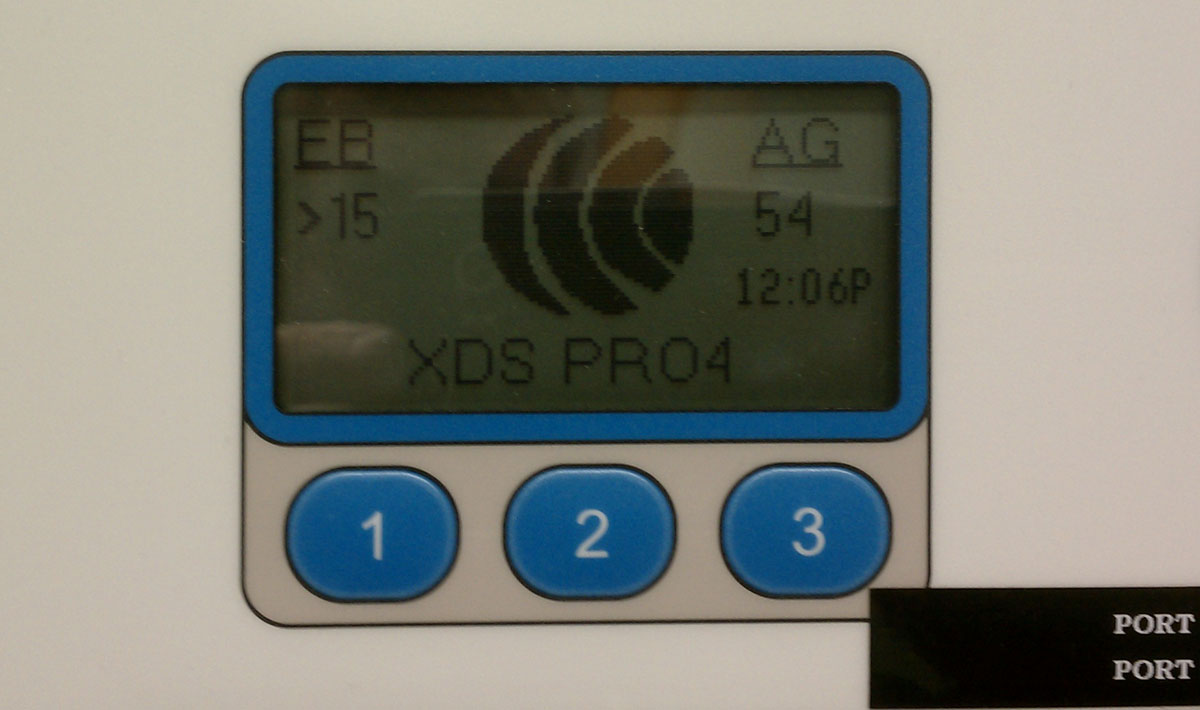
XDS Eb/No after re-aiming

The end result, Eb/No is 17.5 with an AG of 54.  All in all, a happy satellite receiver.

The Kintronic Isocoupler

Had a problem with this Kintronic FMC-0.1 isocoupler the other morning.

Kintronic FMC-1.0 STL ioscoupler
Kintronic FMC-1.0 STL isocoupler

After an overnight drenching heavy rain and very high wind, the STL transmitter associated with this unit was having high VSWR faults.  This isocoupler crosses a base insulator of an AM 50 KW directional antenna.  This particular tower has negative impedance, which is to say, it sucks power out of the pattern and feeds it back to the phasor. An interesting discussion for another time, perhaps.

Using a dummy load, we isolated the problem to the isocoupler by first connecting the load to the output on top of the unit (the problem still exists) and then to the transmission line prior to the unit (the problem went away).  Of course, the AM station had to be taken off the air to do this work.

Once the issue was confirmed as the isocoupler, I opened the unit up and found that water had entered and pooled in the top of the bottom half of the isolation transformer.

Kintronic isocoupler transformer

The isolation transformer consists of two loops to ground capacitively coupled through air dielectric. The issue is with the opening around the top of the unit, under the lip of metal lid. Apparently, this allowed water in.

Kintronic isocoupler isolation transformer

It is difficult to tell with the lighting in this photograph, however, the bottom part of this isolation transformer has water pooled around the center insulator.  Using a rag, I cleaned out the water and dirt from the center insulator.  After reconnecting the antenna and transmitter transmission line, a quick check revealed the problem was much better, but still not completely gone.  I suspect water seeped further down into the bottom half of this unit.  The repair work was good enough, however, to return both stations to the air.

Glad to get that bit of work done while it was still relatively warm out.